Will the new Affinity take over the whole design industry? Well... There are some regional but also critical issues they have to solve to become mainstream.
Fri Mar 06
* This article is a digested summary of this video on YouTube:
1. My immediate thought on Affinity became completely free
A few months ago, Affinity became free. My immediate thought on this move was “It can’t take over the creative industry, especially in Japan, unless it adds the vertical text direction feature”.

Don’t get me wrong. I personally liked Affinity V2 for the excellent usability. On the other hand, Canva’s UX felt rather confusing, and it lacked some essential features. But it had a vertical text feature for a long time.
So… Why not? Now the new Affinity is integrated with Canva. It could be possible to use the vertical writing… No🤦🏻♀️
2. The Facts
There are a couple of reasons why I don’t think Affinity will take over the creative industry.
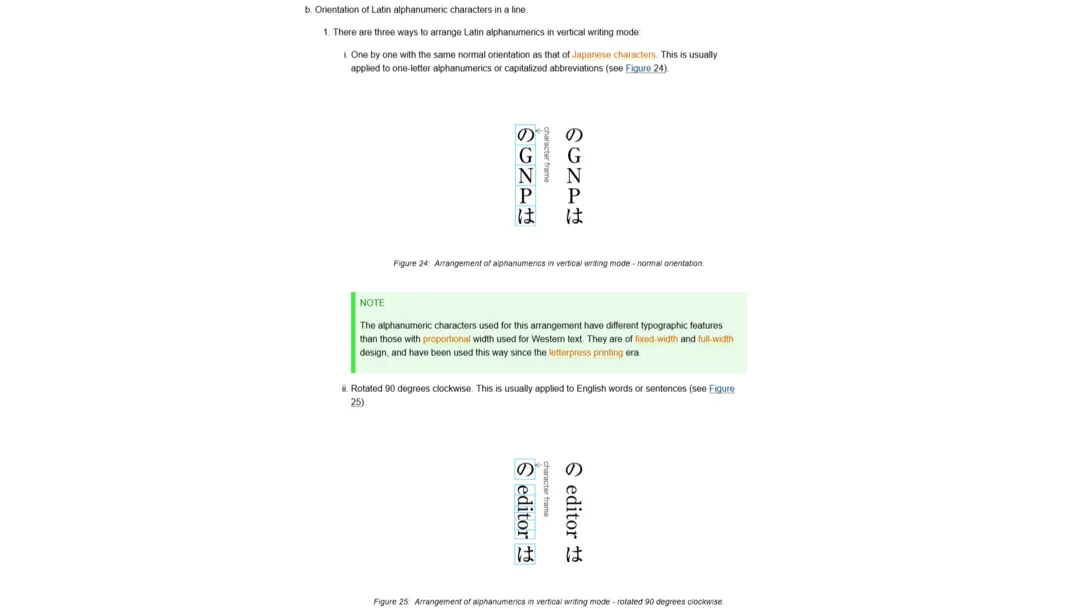
Lack of Vertical Writing Compatibility
This is not the biggest reason, but it’s still critical.
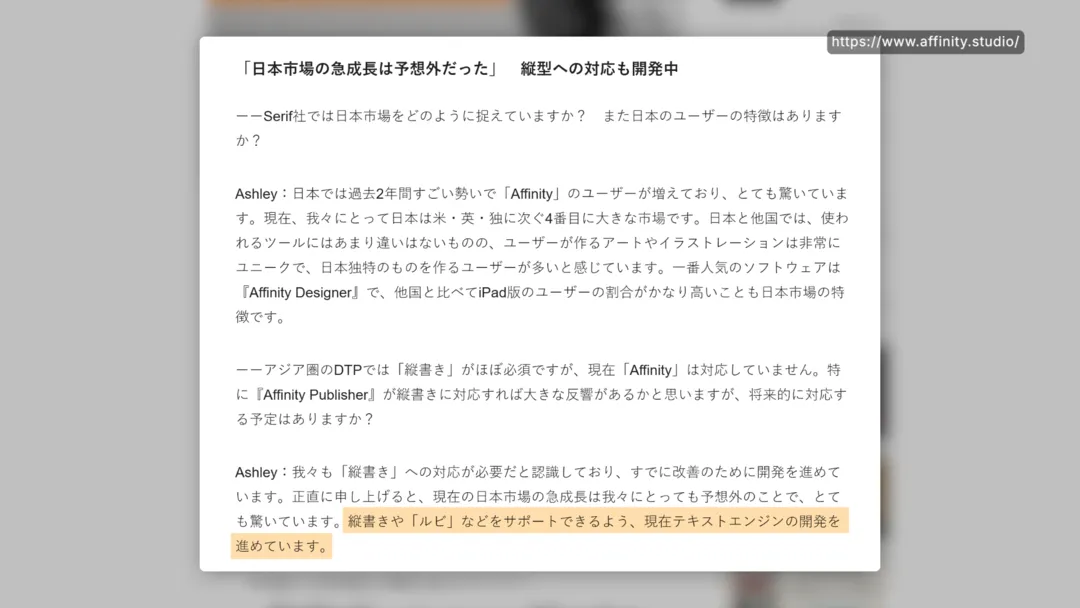
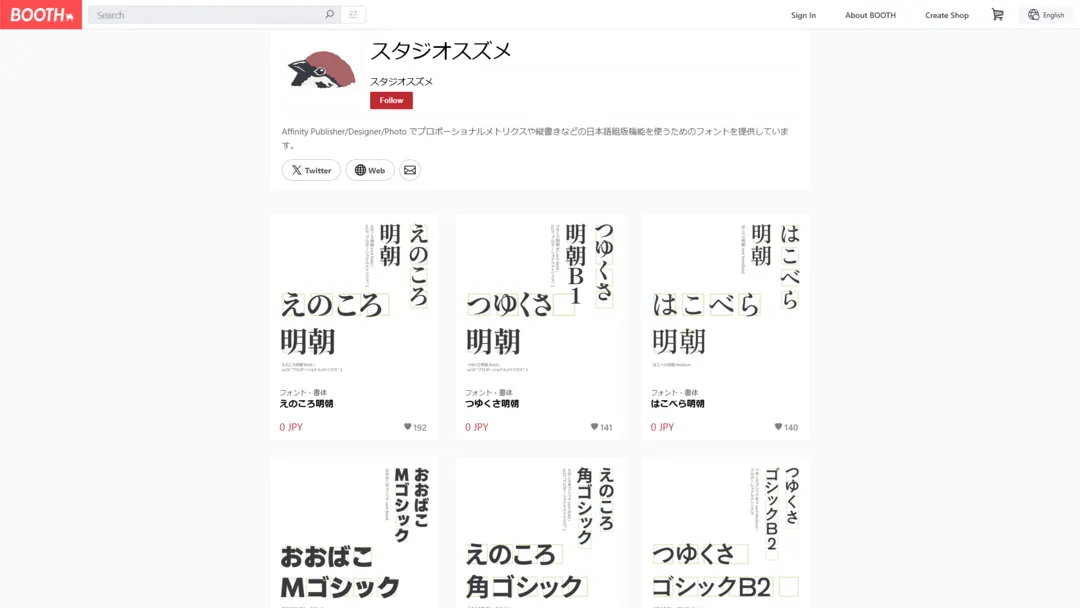
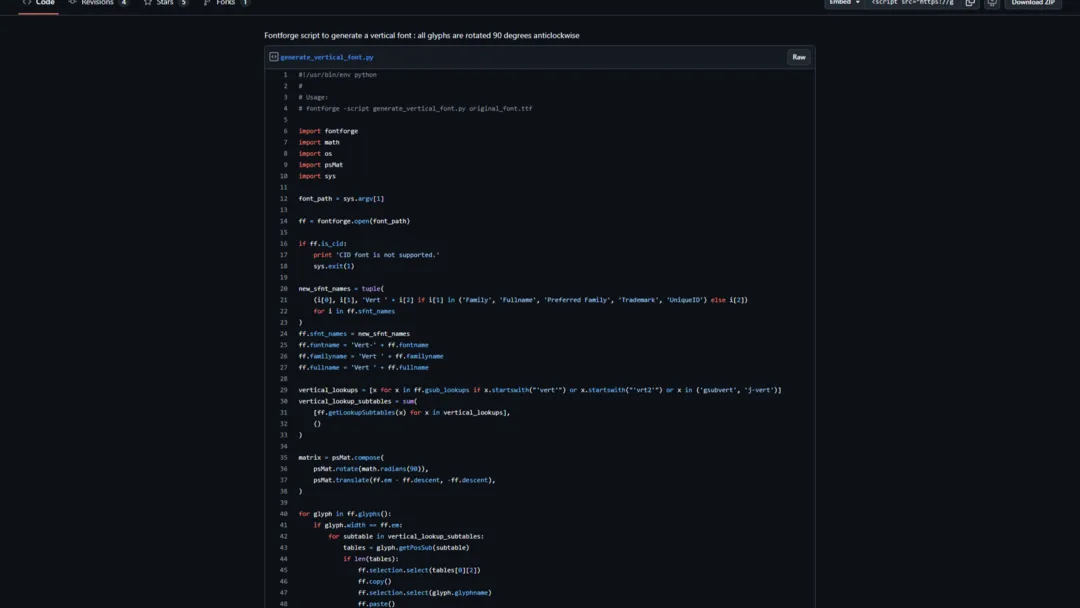
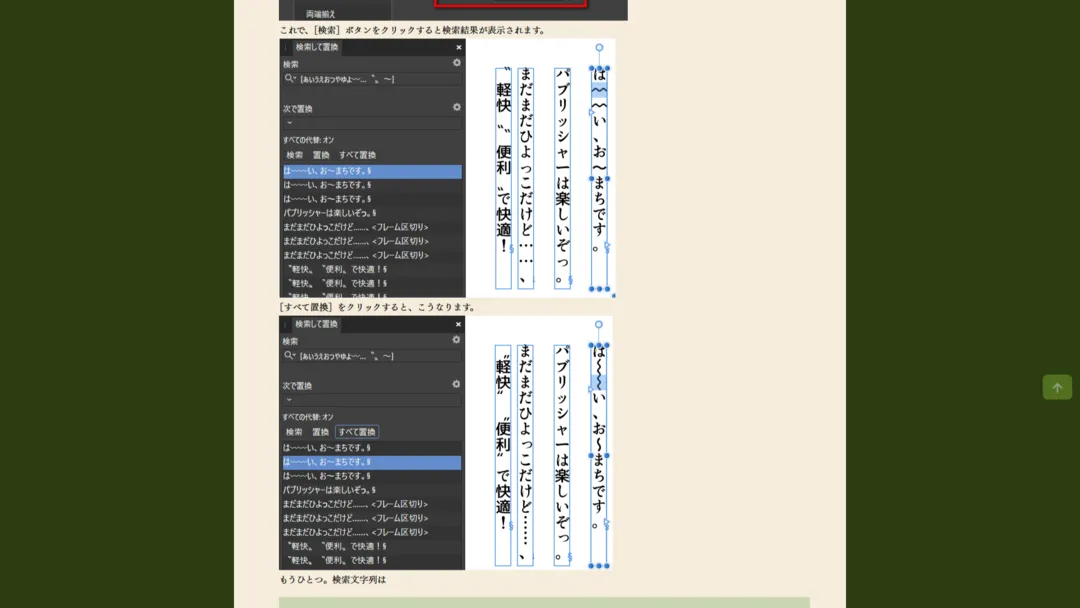
According to a 2023 interview with Affinity CEO, the vertical text feature seemed almost promised to be introduced in the near future. Meanwhile, Japanese users invented a few workarounds:
- Vertical-writing exclusive fonts and a FontForge script to build
- A method to manually adjust paragraph or character styles
But, all these workarounds could only be temporary solutions. There are so many typography rules to follow to develop a proper vertical typing feature. It requires tedious work, and it isn’t easy even for a million-dollar company.
Lack of RTL Compatibility
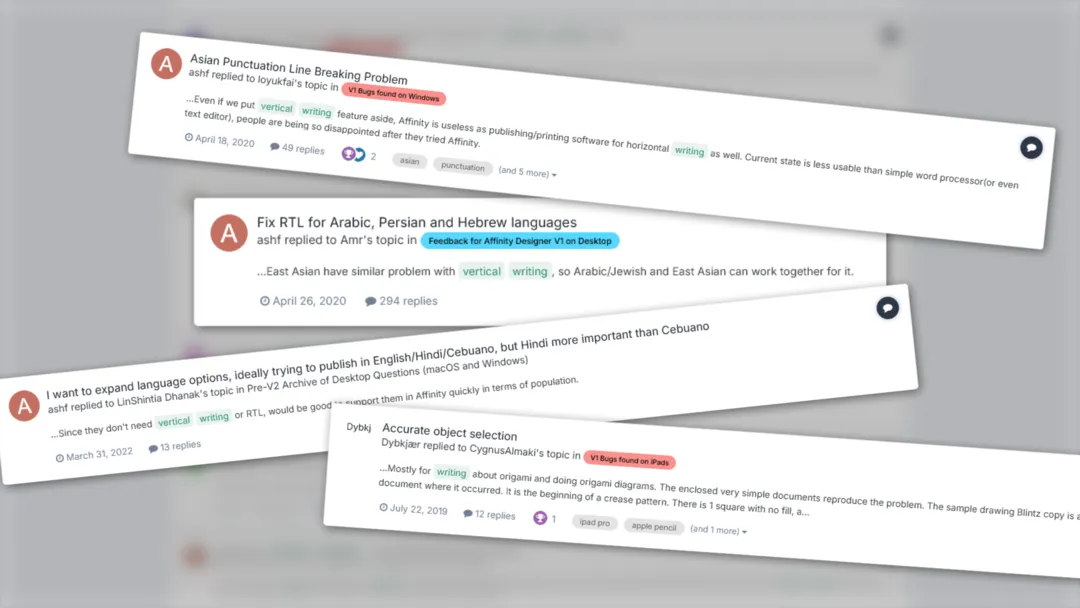
Not only vertical writing, but Affinity also doesn’t support right-to-left writing. This is another typography feature that has been requested for years, but no progress has been made so far. In fact, the UI is also not compatible with RTL languages.
Performance Issue
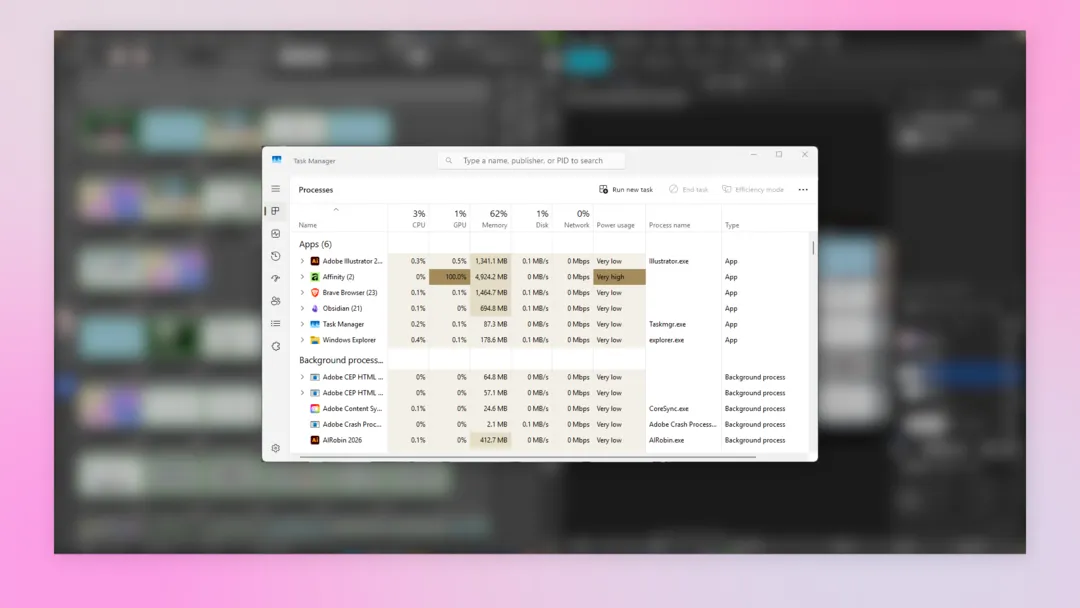
Typing features aside, I found a big downside of unifying three applications into one in its RAM usage. In short, Affinity consumed much more memory than Illustrator for simple tasks.
Target Users by Region
Affinity has been a common choice for freelancers and small companies in the Western world. So far, this trend hasn’t changed so much. Professionals still recommend this suite mostly to freelancers who don’t collaborate with other companies.
I thought: Perhaps the situation is now different in Russia, since Adobe has been sanctioning the country for years…? Not at all. People still recommend Adobe for the same reason.
(By the way, I do understand some basic Russian. But I don’t understand how people manage to use Adobe there… I’m glad to discover how things are working there, if you know about it…)
In Japan? Well, I see it’s treated more like a content creator tool. If you are just stepping up from Canva or if you rarely use the text tool, it’s recommended.
3. What’s Important to Think: The Nature of Design Projects
Collaboration
While performance issues can be temporary, and typography issues can remain regional, the nature of design work is not really transformable, even with the AI. Because, more often than not, design projects thrive with collaboration. A modern collaboration requires technical compatibility.
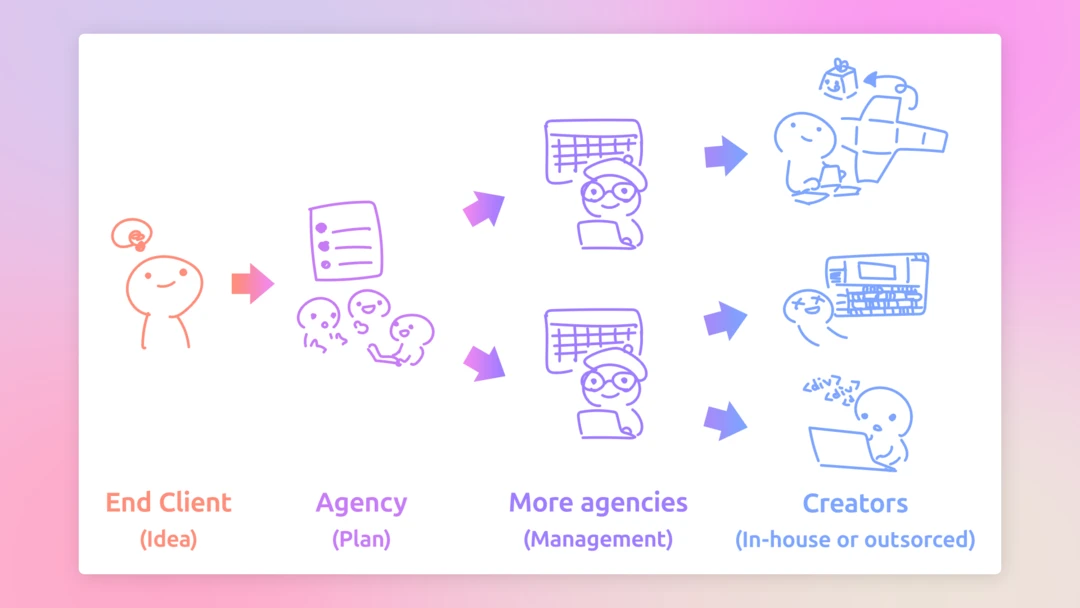
A long time before Adobe Creative Cloud, we had many more “industrial standard” design tools. Basically, the more standard tools, the more compatibility issues. Even if you chose to be Team Adobe, you couldn’t be completely free from the version compatibility issue.
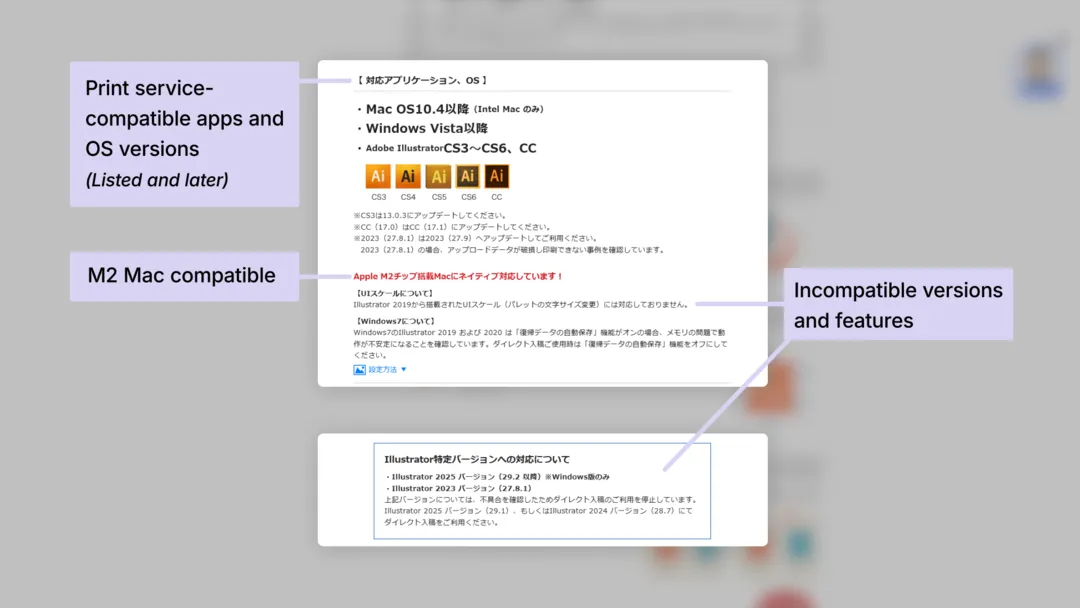
Of course, this issue was much smaller than the software incompatibility. Adobe Suite also covered a wide range of creative fields, so it actually was the most convenient suite available.
In 2013, Adobe had finally solved this incompatibility problem with Creative Cloud, then eventually dominated the market… But, not entirely.
The Cases Adobe Competitors Won
For example, Adobe isn’t really dominating the Web development field.
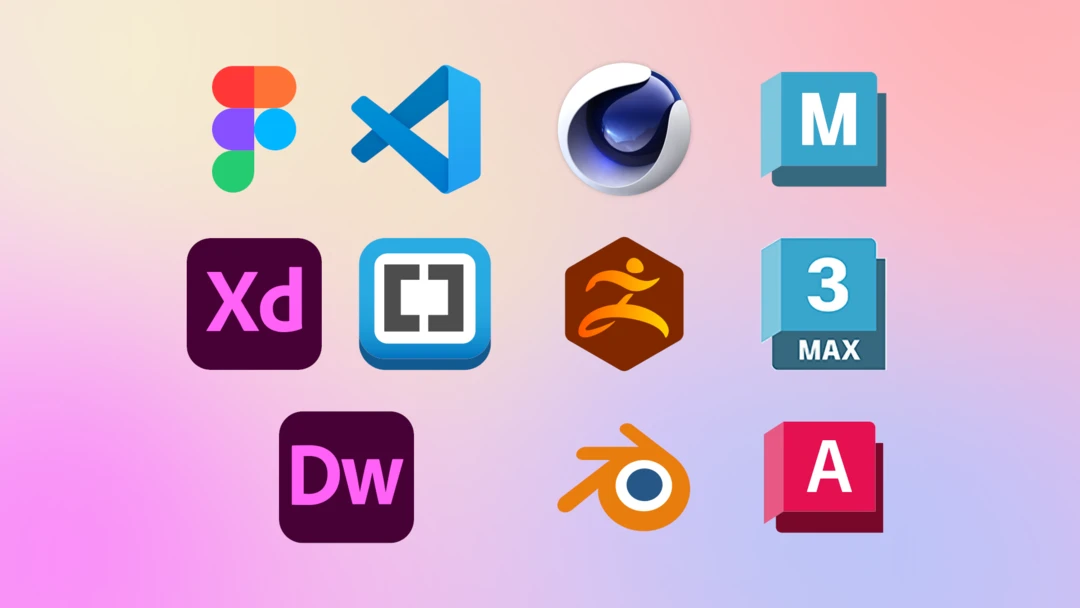
- Figma had beaten XD a long time ago. Now you have 100% of chance to encounter Figma as a designer for the web medium
- There was also Brackets around the same time as Visual Studio Code became the most popular code editor. Now VS Code keeps winning over.
- Dreamweaver is now integrated with GitHub, but I think the workflow has replaced by modern website platforms and website generators…?
I see the Web development field has a lot of tools coming and going in a very short time, but what I’m trying to say here is that different creative fields have different niches and industrial standards. The same goes for the 3D industry, too.
Final Thoughts
Nowadays, everything comes as a groundbreaking innovation or a threat to your current workflow, job, or whatever stability you want to protect.
Now, let’s pause for a second. Didn’t humanity come across this kind of change every few decades? How realistic is a new tool to take over the whole industry across the world instantly, only because it has a shiny new feature? Yes, it happens, but only when it has enough reasons and evidence to convince people to switch over.
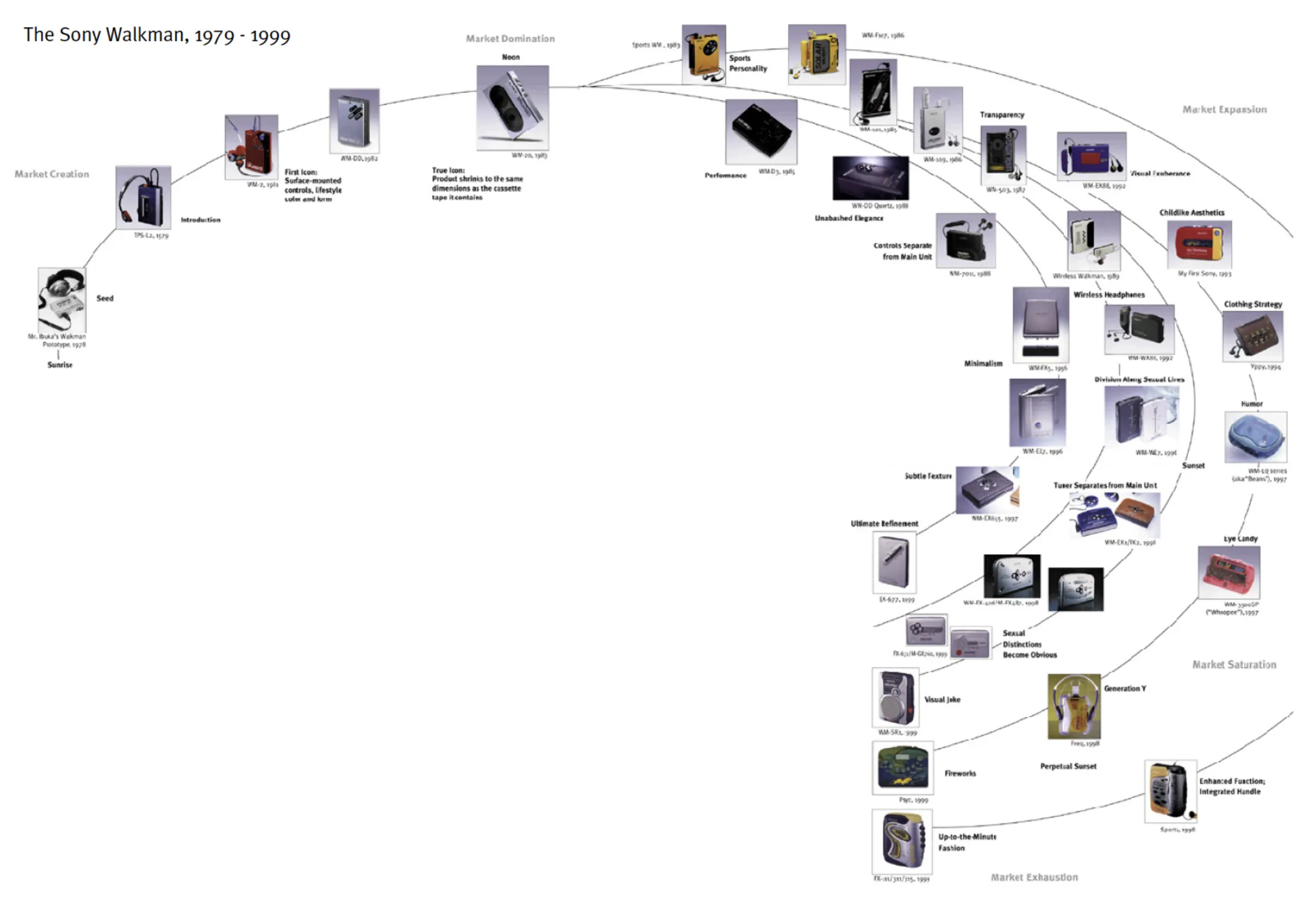
So… Don’t panic. Instead, try to have a flexible mindset and skills to thrive in any industrial change. The same applies to your personal life. (The AI is coming anyway, so…)
This way, you can stay calm and focus on learning the things that will actually be useful or important in the near future.